Solution 1 – Check Host Status
- Remotely enter XN-1000 PC.
- Check the Host Status on the right side of the computer.
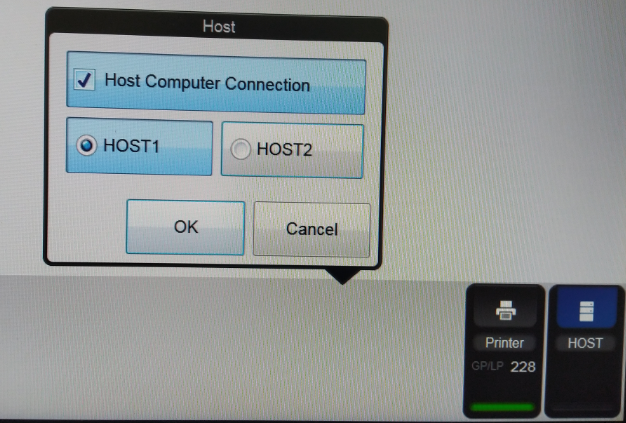
- If the host is showing Host 1 but it is Red bar, restart XN-1000 computer.
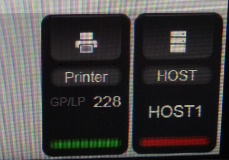
- If the Host 1 is showing Green bar but it is blinking, restart XN-1000 computer.
Solution 2 – Restart Server Console
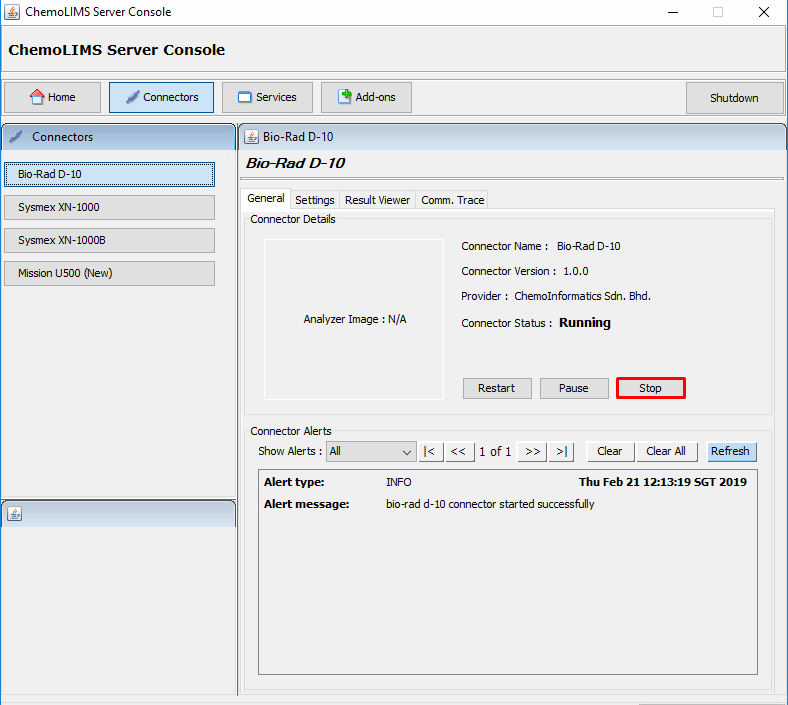
- Open ChemoLIMS Server Console
- Select Sysmex XN-1000 on the left side and select Stop.
- Next, there will be a pop up message
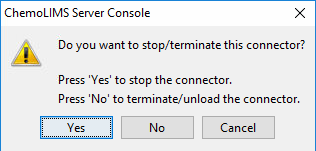
- If select Yes, it will only terminating the process and if select No, it will kill .exe file and relaunch the connector.
- Refresh (f5) and Select on XN-1000 again on ChemoLIMS server Console.
- Then click only once on Start button to start the connector again.
- Lastly, user need to re-transmit the data from XN-1000
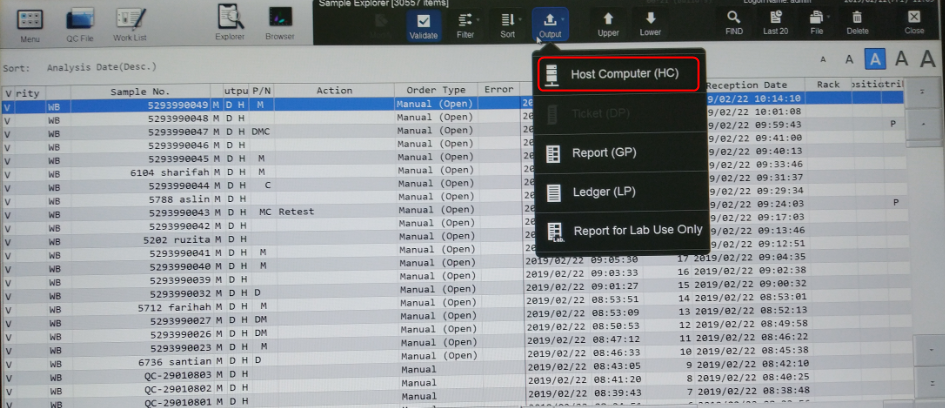
Solution 3 – Check IP Address
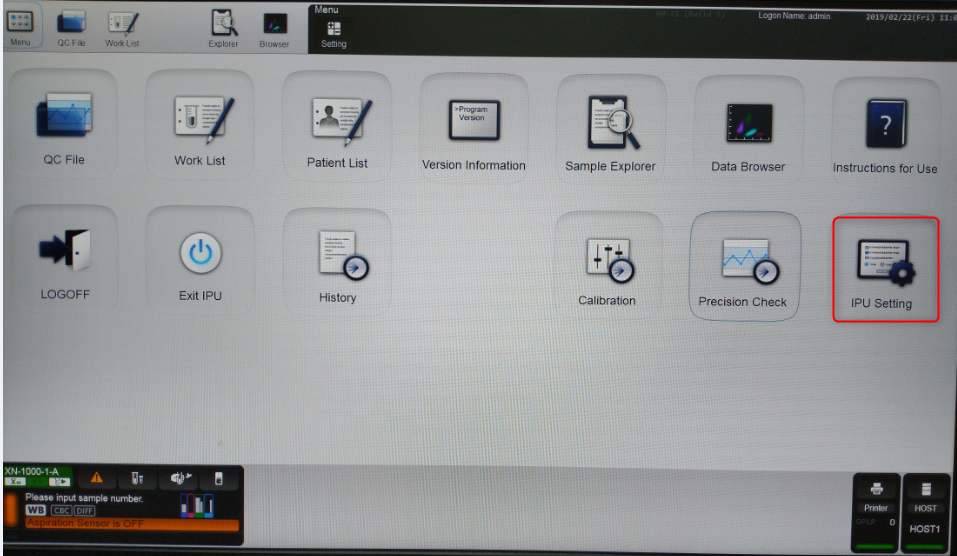
- Menu -> IPU Setting
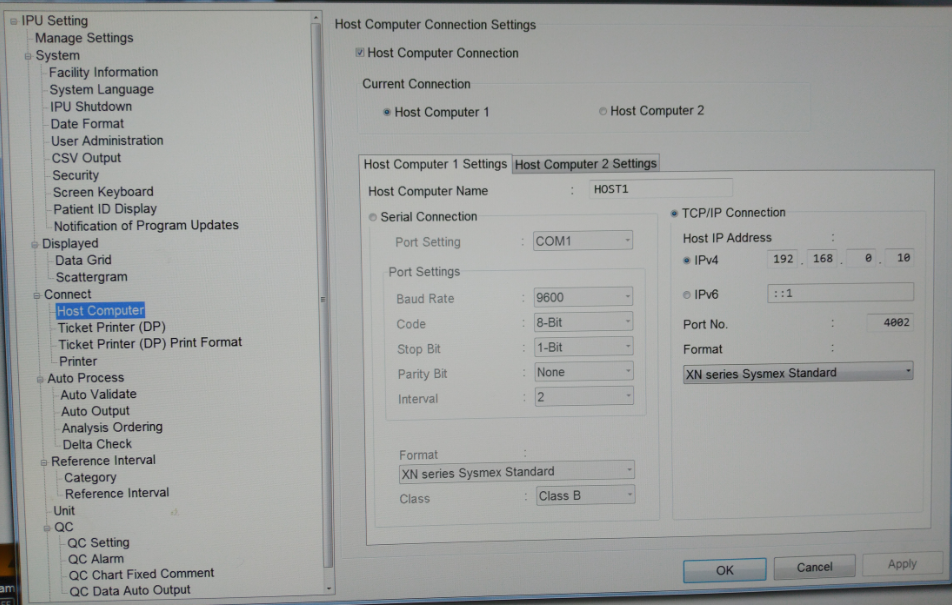
- Select Host Computer and check Host Computer 1 Settings.
- Make sure the IPv4 is 192.168.0.10
Total 0 Votes:
0
0
