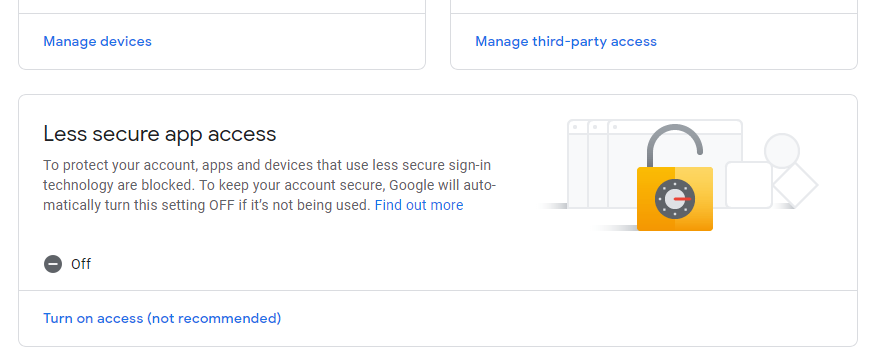
Among the problem unable to send emails is because we did not enable less secure apps on gmail settings.
By default it will be turn OFF. We need to turn it on.
Sign in into gmail account you wish to be use for emailing and copy paste link below.
https://myaccount.google.com/security
Scroll down until you see Less Secure Apps Access and turn it ON.
Additional info if still can’t send email from ChemoLIMS even after disable less secure apps.
1. Try login into gmail from that PC using any browser.
2. There will be block login attempt from that computer. Need to verify using your phone. Verify completely
3. Retry.
Total 0 Votes:
0
0
